Where does Big File Uploads increase the file upload?
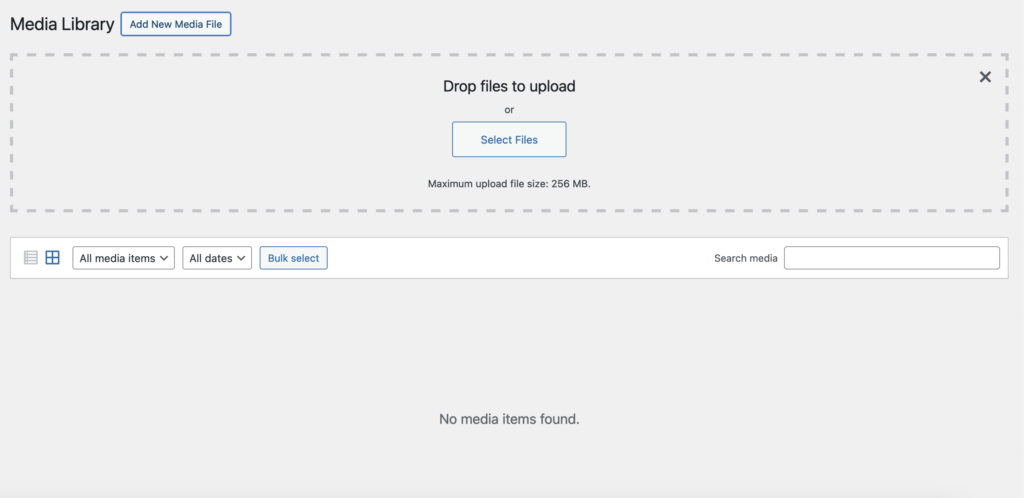
Big File Uploads only supports increasing the WordPress Media Library upload limit. This includes, but may not be limited to:
Classic Editor: Upload media using the “Add Media” button.
Block Editor (Gutenberg): Uploads for Image, Video, Gallery, and Cover blocks.
Featured Images: Setting post, page, or custom post type featured images.
Theme Customizer: Uploading logos, header images, and background images.
Widgets: Media uploads for Image and Video widgets.
WooCommerce (Product images, galleries & Category thumbnail images.
User Profile Media: Custom profile pictures via plugins.
Plugin and Theme Settings: Sliders, headers, and other features using media.
Multisite Main Site: Media uploads for the network’s main site.
Media Library Bulk Actions: Uploads and file management directly in the Media Library.
What areas can Big File Uploads not increase the upload limit of?
Big File Uploads does not and can not change the upload limit of the following areas:
Plugin Upload Size
WordPress Form Plugins
Page Builders (custom widgets & JSON files)
Any custom plugin that does not use the WordPress
Backup or Migration Tools